Contact Us
WhatsApp
+65 8012 2467
Email Us
contactus@thopps.com
Contact Us
WhatsApp
+65 8012 2467
Email Us
contactus@thopps.com
Learning Series: Agentic Development: A New Way to Build Software
The tools that are quietly changing how we code
Something subtle is happening in development.
AI didn’t suddenly become smarter overnight.
But the way we interact with it has changed.
What started as autocomplete is slowly turning into something else —
tools that understand your code, suggest intent-aware changes, and even take action.
And the reason is simple: the tools evolved.
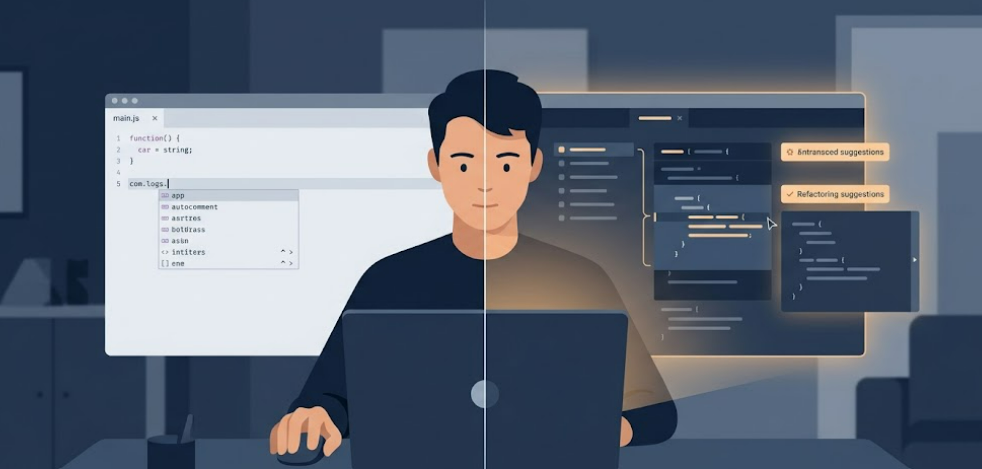
At first, it’s familiar.
You type → it suggests the next line.
You pause → it completes a function.
But then you notice:
That’s the moment it stops feeling like a helper…
and starts feeling like something that knows what you’re doing.
Most tools fall into three categories.
Inline assistants (speed)
Tools like Copilot, Cursor, Continue
They live in your editor and help you move faster — suggestions, completions, quick fixes.
Context-aware tools (understanding)
Cursor chat, Continue.dev, Cline
These go a step further. They read your files, understand structure, and respond based on context.
Agent-style tools (action)
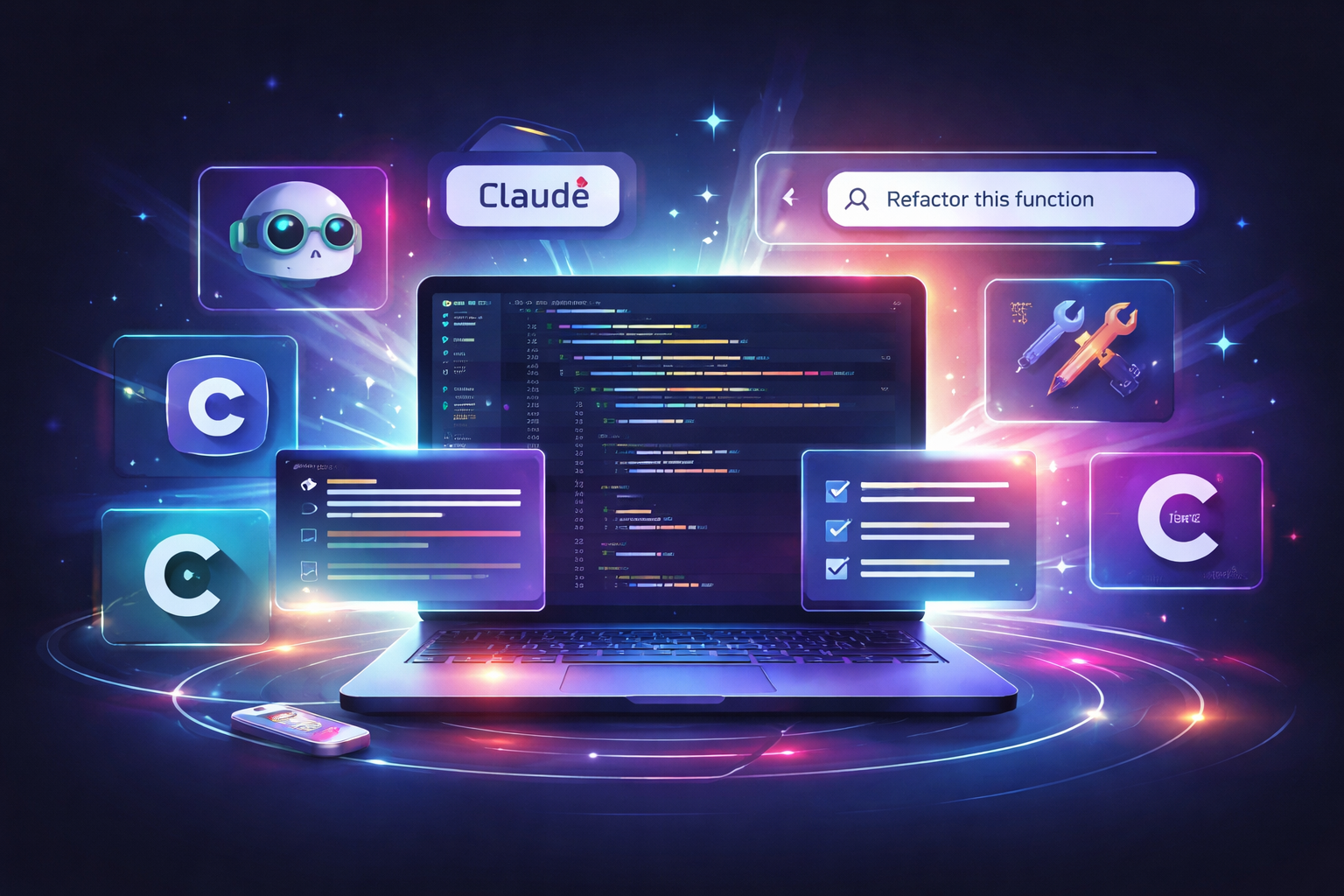
Claude Code, Cline (agent mode)
These don’t just respond — they plan, modify code, and execute tasks across your project.
That last category is where coding starts to feel different.
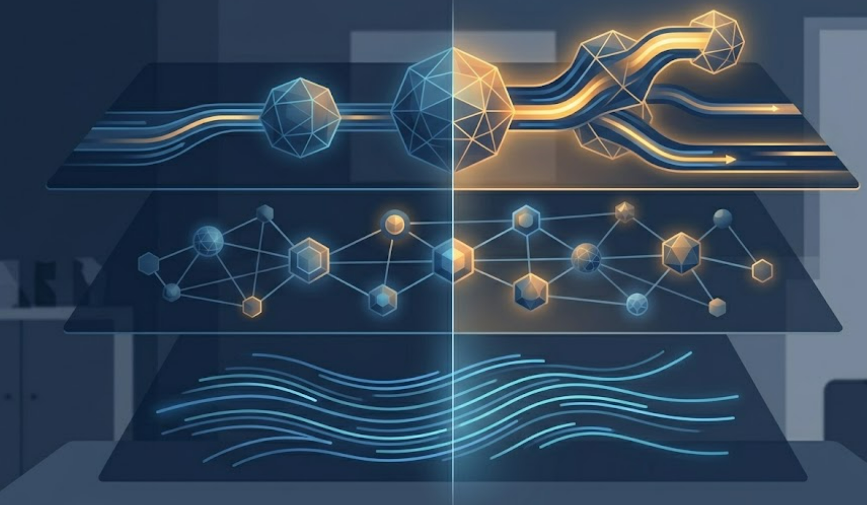
Not the language.
Not the frameworks.
The workflow.
Before:
think → write → fix → refactor
Now:
think → describe → guide → review
You’re no longer doing everything manually.
You’re starting to direct how the work gets done.
This is where most people get stuck.
They use AI like search.
But these tools work better when treated like a junior developer.
Example:
Bad:
improve this code
Better:
refactor this into a reusable function and handle edge cases
That small change in how you ask → huge difference in output.
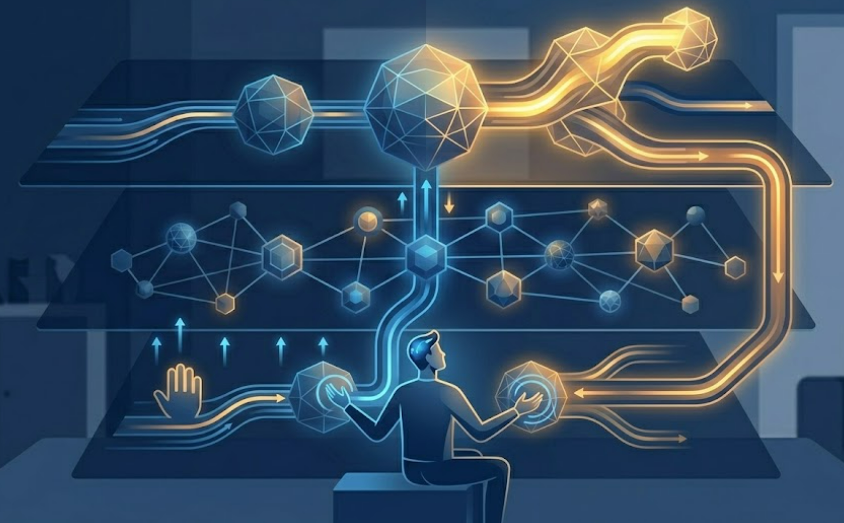
Because once you get used to this workflow, going back feels slow.
You start expecting:
And gradually, your role shifts from:
writing every line
to
guiding the system that writes with you
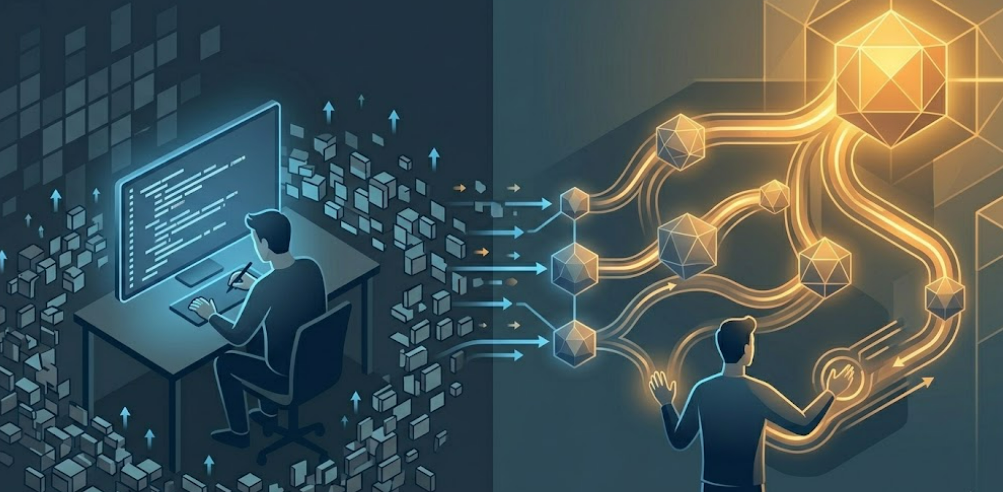
Right now, these tools look like assistants.
But the moment they:
they stop feeling like tools…
and start feeling like collaborators in your workflow.
Next, we’ll go beyond tools and design our own agentic workflows — where your system decides what to do, not just the tool.